Enterprise AI Agents and Data Security: What Microsoft Scout and the Researcher Agent Actually Change
Microsoft Scout and the Researcher agent bring enterprise AI agents that run inside your identity, GDPR and DLP controls. Here is what changes for business.
- Enterprise AI
- Microsoft Scout
- AI governance
- GDPR
- Data security
Microsoft just shipped two enterprise AI agents, Microsoft Scout and the Researcher agent in Microsoft 365 Copilot, that are built to run inside your existing identity, permissions and compliance controls. For companies bound by GDPR and strict data security policies, the headline isn't "another agent." It's that governance is built in, not bolted on, which is exactly the thing that has kept most AI agents stuck in pilots.
If you run AI in a regulated environment, you already know the pattern: the demo is impressive, the legal review is endless, and the project quietly dies. Here is what changed, and why it matters for the people who have to sign off on data access.
The real blocker for enterprise AI isn't capability, it's governance
Most enterprises don't have an AI problem. They have a governance problem. The models have been good enough for a while. What has been missing is a clean answer to one question:
Can an agent act on your data without breaking GDPR, leaking credentials, or bypassing the controls your security team spent years building?
Until now, a lot of "AI agents" answered that question with a shrug. They ran on shared service accounts, pulled data with broad permissions, and left compliance teams with no clean audit trail. That is fine for a hackathon. It is a non-starter for a regulated company. The two releases below are interesting precisely because they treat that question as the product, not an afterthought.
What Microsoft just shipped
1. Microsoft Scout, an "always-on" Autopilot agent
Microsoft Scout is the first of a new category Microsoft calls Autopilots: always-on agents that work autonomously, carry their own identity, and act on your behalf in the background. Scout is integrated across the Microsoft 365 apps people already live in, connecting to Teams, Outlook, OneDrive and SharePoint, plus the chats, email, calendar and contacts that power the working day.
In practice, Scout is built to reduce coordination overhead: it can schedule and align meetings across time zones, flag important meetings and prepare materials, block time for upcoming deliverables, and surface risks like stalled decisions before they become blockers. Over time it builds context through Microsoft's "Work IQ," learning how you work and what needs to happen next.
The detail that matters for security teams: Scout is powered by open-source technology but wrapped in enterprise identity, credential and access controls. At launch it is available to a limited set of customers in private preview and to Frontier organizations as an experimental release, so this is an early signal of direction, not a button you flip on for the whole company tomorrow.
2. The Researcher agent in Microsoft 365 Copilot
The Researcher agent is the more immediately usable of the two. It is an assistant inside Microsoft 365 Copilot designed for complex, multi-step research. It pulls from both the web and your work content, including files, email, meetings and chats you already have access to, and returns a structured, source-cited report with sections, visuals and citations you can verify and share.
Crucially for compliance, the Researcher agent operates inside the same permissions, policies and compliance you already rely on. It does not invent a new access model; it inherits yours. That is what makes it safe to point at internal documents instead of just public web pages.
Why this matters for data security and GDPR
The reason these releases are worth a closer look is the governance model underneath Scout. Microsoft built it so that the controls a regulated company already has are enforced on the agent, not optional around it. Four pieces stand out:
- A governed identity per agent. Every agent operates under its own governed Entra identity, not a shared, anonymous service account. So every action is attributable to a known actor your directory already understands, which is the foundation of any real audit trail.
- Scoped, protected credentials. The credentials behind that identity are scoped to the task at hand and redacted from logs and diagnostics, so sensitive secrets don't leak into the places where data usually leaks.
- Policy enforced in the moment. Microsoft Purview data protection, including sensitivity labels and data loss prevention, is enforced before anything is sent or written, not checked after the fact. The agent operates within your protections rather than around them.
- Human sign-off on sensitive actions. Access is limited to resources and destinations you have approved, and sensitive actions can require a person to approve them before they proceed.
For a GDPR-bound organization, this is the difference that matters. Attributable identity, scoped data access, enforced DLP and human approval are not nice-to-haves. They are roughly the checklist your DPO would hand you anyway. When those controls are native to the agent, the legal review gets shorter and the pilot has a path to production.
What this means for business
Strip away the product names and here is the takeaway: the agents that respect your security perimeter are the ones that actually ship. Capability has rarely been the thing standing between a regulated company and useful AI. Governance has. By inheriting existing identity, access and DLP controls, an agent moves from "interesting demo legal won't approve" to "tool we can roll out under our current policies."
It also resets the buying conversation. The question to ask a vendor is no longer "what can your agent do?" It is "under whose identity does it act, what can it reach, what is logged, and who approves sensitive actions?" If a vendor can't answer those four questions cleanly, the capability is irrelevant for a regulated environment.
How to evaluate a secure AI agent
You don't need to wait for Scout's general availability to act on this. Use this release as a template for what "enterprise-ready" should mean, and apply it to every AI agent you evaluate:
- Identity: Does each agent run under its own governed identity, or a shared account? Can you trace every action back to a known actor?
- Access scope: Can the agent only reach resources you have explicitly approved, with credentials scoped to the task?
- Data protection: Are your existing DLP and sensitivity policies enforced in real time, before data moves?
- Human control: Can you require sign-off on sensitive actions, and is there an audit-ready log?
- Start small: Begin with a low-risk, high-volume task like research or meeting prep, prove the governance, then expand. Automation without a clear scope is just faster chaos.
The caveats worth keeping in mind
Two honest notes. First, AI agents are still copilots, not replacements. You stay in command of brand-critical and high-risk decisions; the agent just removes the coordination drag around them. Second, Microsoft Scout is an early, experimental release gated behind Frontier enrollment, policy configuration and an opt-in attestation. The Researcher agent is the part most teams can use today. Treat Scout as a strong signal of where enterprise agents are heading, and the governance model as the bar to hold every vendor to right now.
Frequently asked questions
What is Microsoft Scout?
Microsoft Scout is Microsoft's first "Autopilot" agent: an always-on agent that works autonomously in the background, carries its own governed identity, and acts on your behalf across Microsoft 365 apps like Teams, Outlook, OneDrive and SharePoint. At launch it is in private preview and available to Frontier organizations as an experimental release.
Is Microsoft Scout GDPR compliant?
Microsoft built Scout to operate within your organization's existing controls. Each agent runs under its own governed Entra identity, credentials are scoped and redacted from logs, Microsoft Purview DLP and sensitivity labels are enforced before data is sent, and sensitive actions can require human sign-off. Whether your specific deployment meets GDPR depends on how you configure those controls, so validate it with your own compliance team.
How is the Researcher agent different from standard Copilot?
The standard Copilot experience is optimized for fast, everyday tasks like summarizing email. The Researcher agent is built for deeper, multi-step research across the web and your work content, and it returns a longer, structured, source-cited report. It runs inside the same permissions and compliance you already rely on.
Are enterprise AI agents safe for regulated companies?
They can be, if governance is built in rather than bolted on. The markers to look for are a per-agent governed identity, task-scoped credentials, real-time enforcement of your DLP and sensitivity policies, approved-only access, and human approval for sensitive actions. Evaluate any agent against those criteria before connecting it to internal data.
The bottom line
The most useful thing about these two releases isn't the feature list. It's the message to every other AI vendor: governance is now table stakes for the enterprise. If you work in a regulated environment, the real question for your next AI project probably isn't the technology. It's the compliance sign-off, and that is finally getting easier to win.
Want help separating AI hype from the tools that are actually enterprise-ready? That's what we do at Living Off AI. Reach out and let's pressure-test your AI roadmap together.
Sources: Microsoft 365 Blog, "Introducing Microsoft Scout" and Microsoft Learn, "Researcher agent in Microsoft 365 Copilot".
Related posts
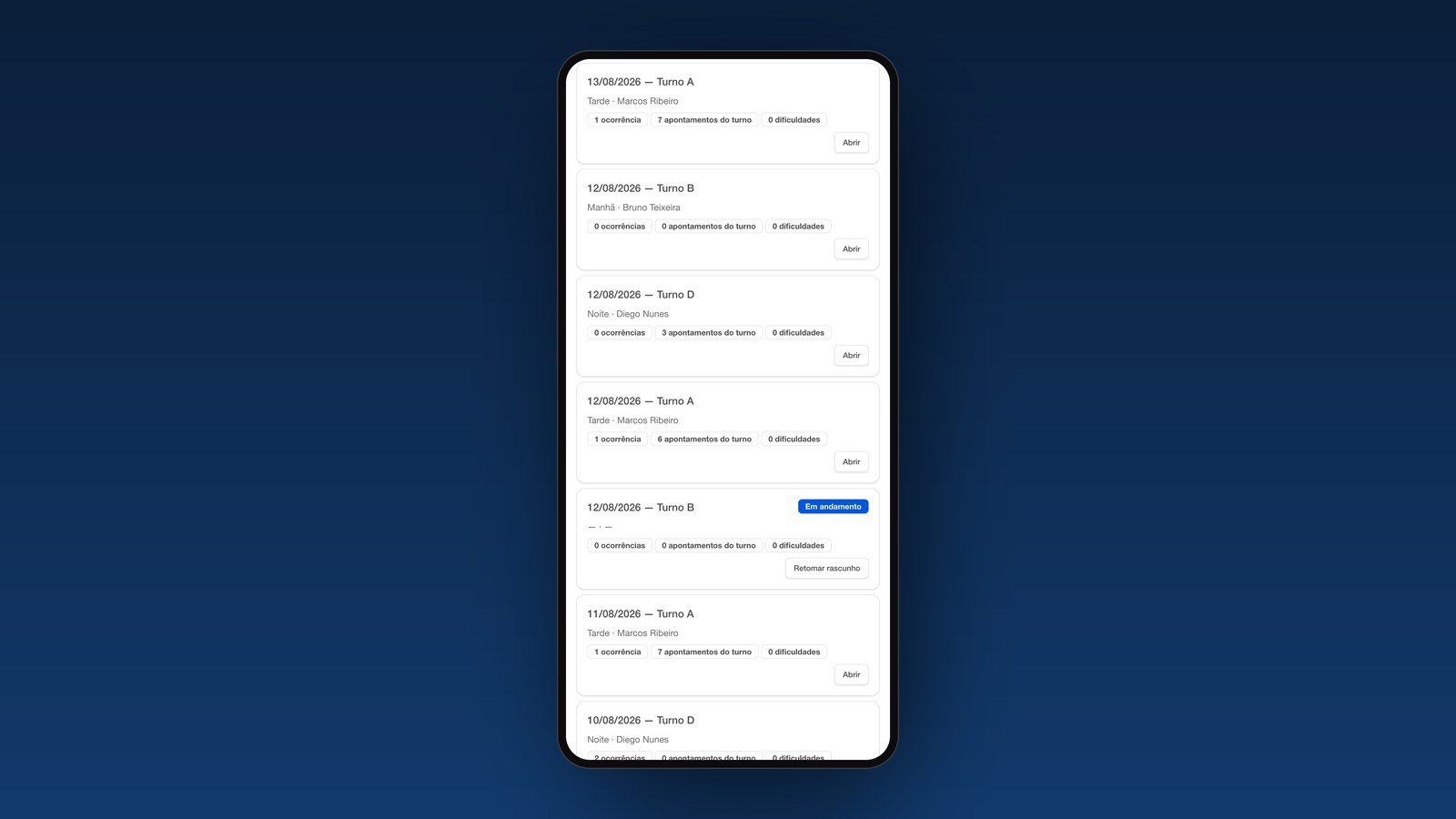
From a long-held idea to a working system in one week: Höganäs' Digital Maintenance Logbook
How Höganäs in Brazil turned a real maintenance need into a working digital proof of concept that people are already using.
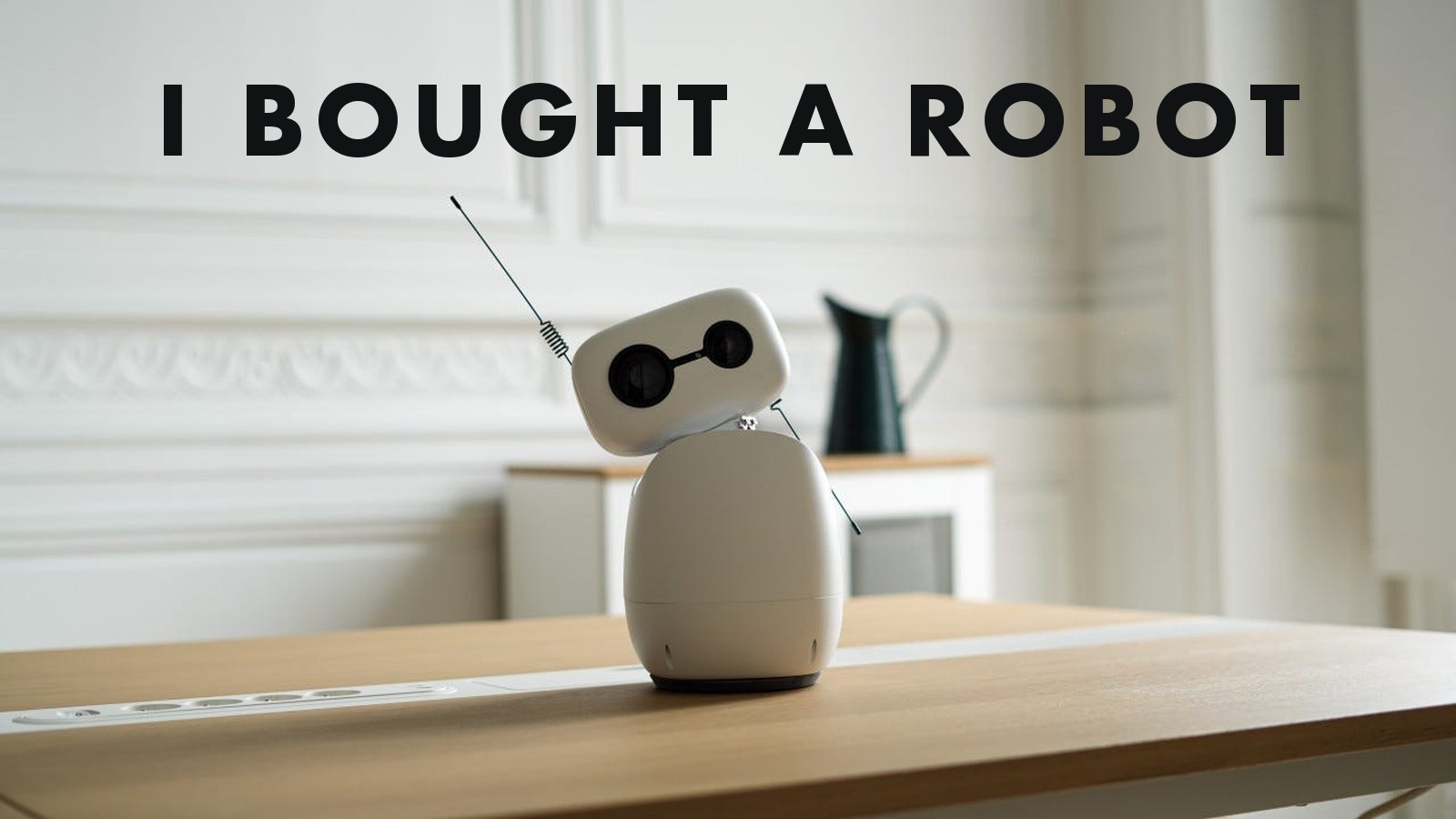
I Bought a Robot. Here Is What I Am Actually Going to Do With It.
A 435 euro open-source robot is coming to my desk. Not because I need a robot, but because working from home, I could use the company.
From ChatGPT to an AI Operating System: Why Your AI Tools Aren't Producing Value
Most businesses pay for AI tools and still see no real value. The missing piece is an AI operating system: second brain, context and agents working together.
Work with us